Google Ads puts your business in front of millions of customers actively searching for products or services like yours. In 2023, advertisers collectively spent over $226 billion on Google Ads, underlining its importance for businesses of all sizes. As a pay-per-click (PPC) advertising platform, Google Ads ensures you pay only when someone clicks your ad, giving you full control over budgets and bids. With precise targeting by keywords, location, device, and demographics, Google Ads lets even small businesses compete with larger brands on a level playing field.
What is Google Ads?
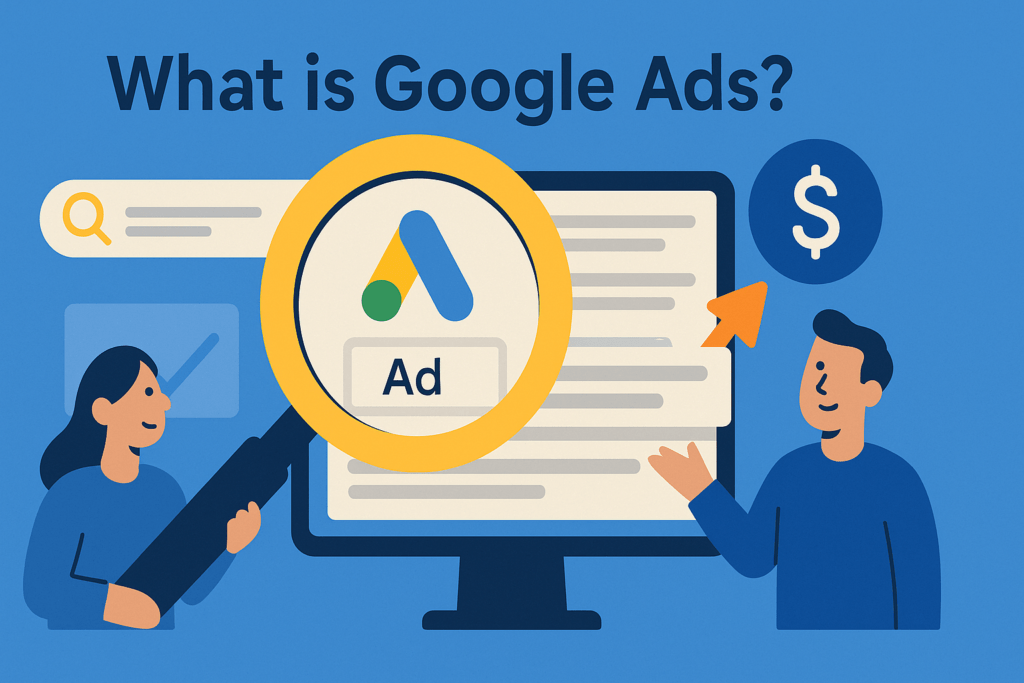
Google Ads (formerly AdWords) is Google’s online advertising platform that allows businesses to bid on keywords to have their ads appear in search results and across Google’s network. It operates on an auction model: each time a user searches, Google considers all eligible ads and ranks them by Ad Rank, which is calculated as your maximum bid × Quality Score. Quality Score (1–10) measures ad relevance, expected click-through rate, and landing page experience; higher scores lower your cost-per-click (CPC) and improve ad position.
How Google Ads Works
When a search is performed, Google’s system:
1. Finds ads whose keywords match the query.
2. Filters out ineligible ads (e.g., due to location or policy violations).
3. Orders the remaining ads by Ad Rank (bid × Quality Score).
4. Charges each winner its actual CPC, which is often just enough to beat the Ad Rank of the next-highest competitor divided by your Quality Score.
This second-price auction model means you rarely pay your full bid, making relevance (Quality Score) as crucial as bid amount.
Types of Google Ads Campaigns
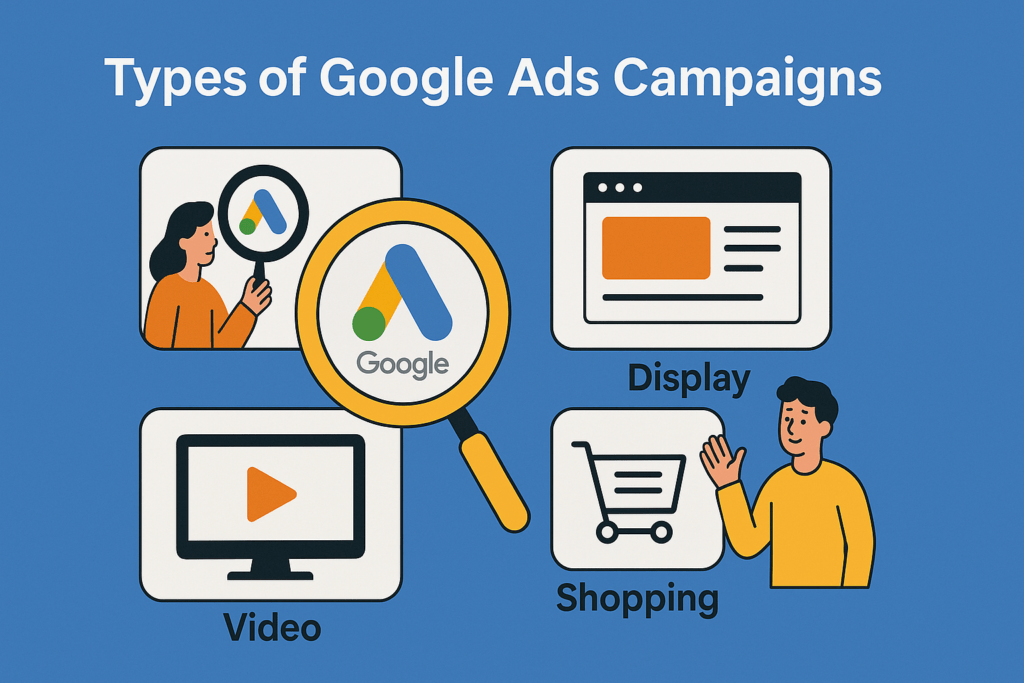
According to MarketingProfs, there are five main campaign types: Search, Display, Video, Shopping, and App campaigns.
–Search ads: Text ads on Google Search results pages.
–Display ads: Image or rich-media ads across millions of websites in Google’s Display Network.
–Video ads: Ads on YouTube (skippable, non-skippable, bumper) to build brand awareness.
–Shopping ads: Product listings with images, prices, and merchant info.
–App ads: Automated ads to drive mobile app installs across Google’s channels.
Each serves different goals—Search for immediate intent, Display/Video for awareness, Shopping for e-commerce, and App for mobile installs.
Setting Up Your First Account
1. Go to ads.google.com and click Start now. Sign in with your Google account and follow prompts to add business info, select goals, and enter billing details.
2. To access Keyword Planner, complete billing setup under Tools & settings > Billing & payments, then open Keyword Planner.
3. In Keyword Planner, choose Discover new keywords or Get search volume and forecasts to begin researching terms for your campaigns.
Keyword Research Best Practices
Use Keyword Planner to filter by average monthly searches (e.g., ≥ 30) and low competition to find high-potential terms. Focus on long-tail keywords specific 3–5 word phrases that have lower volume but higher intent and lower CPCs. Complement Planner insights with competitor gap analysis to uncover terms they rank for but you don’t. Always consider user intent informational vs. transactional to match keywords with the right landing pages and ad copy.
Writing Effective Ad Copy
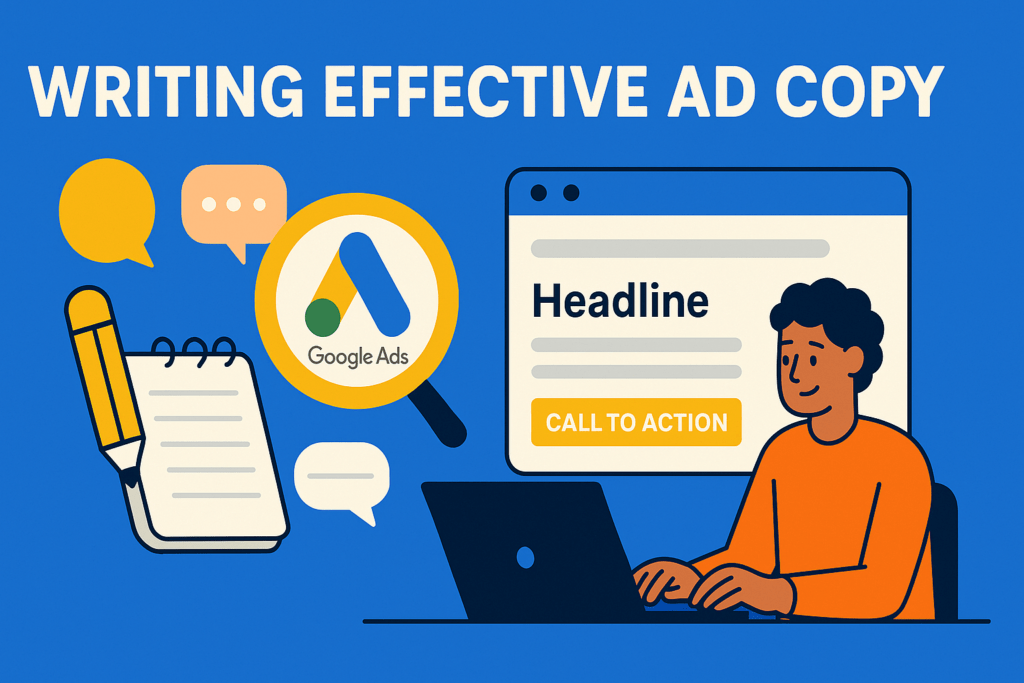
A strong ad copy aligns headlines and descriptions with user needs and keywords:
–Headlines: Up to three, 30 chars each; include primary keywords and unique value propositions.
–Descriptions: 90 chars; highlight benefits, features, and a clear call-to-action (e.g., “Shop now,” “Get a free quote”).
–Ad customizers & keyword insertion: Dynamically tailor copy to search terms at scale.
–Responsive Search Ads: Provide multiple headlines/descriptions; Google tests combinations to find top performers.
For more examples and templates, see Unbounce’s Google Ads copywriting guide.
Bidding Strategies & Budgets
You can choose manual CPC or automated bid strategies (Maximize Clicks, Maximize Conversions, Target CPA, Target ROAS) based on your goals.
–Manual CPC: Full control; set bids per keyword but requires constant monitoring.
–Maximize Clicks: Automated; aims to get the most clicks within your daily budget.
–Maximize Conversions/Value: Uses Google’s AI to optimize for conversion count or revenue.
–Target CPA/ROAS: Sets bids to achieve a specific cost-per-acquisition or return on ad spend.
Adjust daily budgets at the campaign level, and use bid adjustments for devices, locations, and times to refine performance.
Measuring & Optimizing Performance
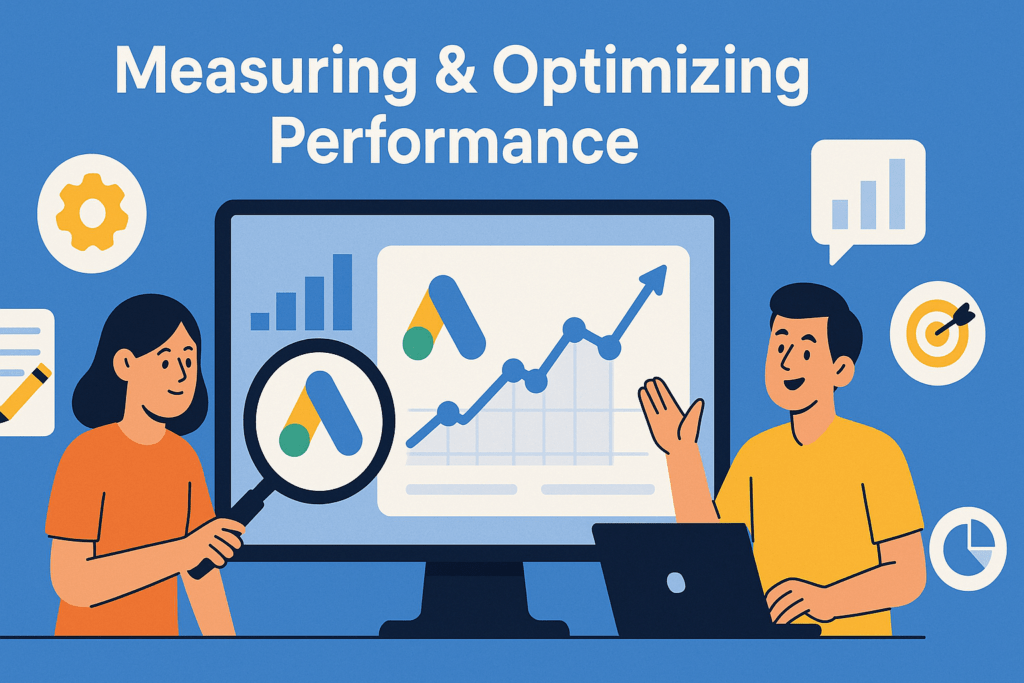
Track core metrics:
–CTR (Click-Through Rate) = clicks ÷ impressions; indicates ad relevance.
–CPC (Cost-Per-Click); shows average cost to attract a click.
–Conversion rate = conversions ÷ clicks; measures landing page/ad effectiveness.
–CPA (Cost-Per-Acquisition) and ROAS; tie spend to business outcomes.
Link Google Analytics to see post-click behavior (bounce rate, time on site) and set up conversion tracking for purchases, sign-ups, or calls. Regularly review search terms, Quality Score, and Auction Insights to identify optimization opportunities.
Tips & Common Mistakes to Avoid in Google Ads
–Avoid overly specific low-volume keywords; they won’t trigger ads until volume increases—use broader or phrase match instead.
–Don’t overbid on generic head terms; start with manual CPC on long-tail exact matches, then scale with automated bids once you have conversion data.
–Use negative keywords to filter irrelevant traffic and protect budget.
–Don’t neglect ad group structure; group 5–15 tightly themed keywords per ad group for relevance and Quality Score.
–Avoid poor landing page alignment; ensure landing pages deliver on ad promises for better Quality Score and conversion rates.
Conclusion & Next Steps
Google Ads offers powerful tools to reach customers at every stage of the funnel. Start by setting up your account, conducting thorough keyword research, and writing relevant ad copy. Choose bidding strategies aligned with your budget and goals, then monitor key metrics to optimize performance. As you gain data, experiment with different campaign types, bids, and creatives. Continual testing and learning will drive better ROI and help you scale your advertising efforts.
FAQs
1. What is Google Ads and how does it work?
Google Ads is Google’s PPC advertising platform where advertisers bid on keywords in real-time auctions. Ads are ranked by Ad Rank (bid × Quality Score) and charged on a cost-per-click basis when users click them.
2. How much does it cost to start with Google Ads?
You set your own daily budget and maximum CPC bids, so you can start with as little as $5–$10/day. Average CPCs vary by industry but often range from $1–$2 on search networks.
3. What is Quality Score in Google Ads?
Quality Score (1–10) reflects ad relevance, expected CTR, and landing page experience. Higher scores lower your CPC and improve ad position.
4. How do I choose the right keywords?
Use Keyword Planner to filter for volume (e.g., ≥ 30 searches/month) and low competition. Focus on long-tail exact matches for better intent and lower CPCs, then expand with phrase or broad match as you gather data.
5. How do I measure the success of my campaigns?
Track CTR, CPC, conversion rate, CPA, and ROAS in Google Ads. Link Google Analytics to view post-click behavior (bounce rate, time on site) and set up conversion tracking for purchases or leads to see real ROI.
At Balistro, we specialize in helping businesses grow through effective digital marketing strategies. From Google Ads to Meta Ads, we deliver data-driven campaigns that maximize your ROI and drive real results. If you’re looking to boost your online presence, generate leads, or scale your e-commerce business, our expert team is here to help. Contact us today to learn more about how we can support your advertising needs!
Ready to Grow Your Business?
Book a free 30-minute strategy call with Balistro. We’ll audit your marketing and show you exactly where your biggest growth opportunities are.
Why Google Ads Mastery Matters for Indian Businesses in 2026
Google processes over 8.5 billion searches daily, and India accounts for the second-largest search market globally. For D2C and B2B brands operating in this competitive landscape, Google Ads represents one of the most direct paths to qualified customer acquisition. With the right strategy, brands can appear at the exact moment potential customers are searching for their products or services.
The shift toward Performance Max campaigns and AI-powered bidding has fundamentally changed how Google Ads works. Brands that understand these changes and adapt their strategies accordingly are seeing significantly better results — often 2-4x improvement in ROAS compared to those still using legacy campaign structures.
For businesses in India, where digital ad spend is projected to reach ₹62,000 crore by 2026, the opportunity cost of poor Google Ads management is substantial. Every rupee wasted on poorly targeted ads or inefficient bidding is a rupee that could have driven real revenue growth.
Step-by-Step Implementation Guide
Implementing an effective Google Ads strategy requires a systematic approach. Here’s how Balistro’s Google Ads specialists recommend structuring your campaigns for maximum impact:
- Audience Research & Keyword Mapping: Start with thorough keyword research using Google Keyword Planner, SEMrush, or Ahrefs. Map keywords to specific stages of the buyer journey — awareness (broad), consideration (specific), and decision (branded/transactional). Focus on keywords with commercial intent for better conversion rates.
- Campaign Structure & Ad Group Organization: Build tightly themed ad groups with 10-20 closely related keywords each. Use Single Keyword Ad Groups (SKAGs) for your highest-value terms. Separate campaigns by match type, device, and geographic targeting for granular bid control.
- Ad Copy & Extension Optimization: Write 3-5 responsive search ad variations per ad group. Include your primary keyword in headlines, highlight unique selling propositions, and add clear calls-to-action. Implement all relevant ad extensions — sitelinks, callouts, structured snippets, and call extensions.
- Landing Page Alignment: Ensure landing pages match ad intent precisely. Page load speed should be under 3 seconds, and the primary CTA should be above the fold. A/B test landing page elements systematically for continuous improvement.
- Bid Strategy & Budget Allocation: Start with manual CPC bidding to gather data, then transition to automated strategies like Target CPA or Target ROAS once you have 30+ conversions per month. Allocate 60-70% of budget to proven campaigns and 20-30% to testing new approaches.
- Performance Max Integration: Set up Performance Max campaigns with high-quality creative assets across all formats. Provide clear audience signals based on your existing customer data. Monitor asset performance reports weekly and replace underperforming creatives.
Common Google Ads Mistakes That Waste Budget
After managing over ₹50 lakh in monthly Google Ads spend across dozens of Indian brands, Balistro’s team has identified the most common mistakes that silently drain advertising budgets:
- Ignoring negative keywords: Without a robust negative keyword list, your ads appear for irrelevant searches. We recommend reviewing search term reports weekly and adding negatives aggressively — most accounts need 200-500 negative keywords to run efficiently.
- Using broad match without Smart Bidding: Broad match keywords without AI-powered bidding leads to wasted spend on low-intent searches. If you use broad match, always pair it with Target CPA or Target ROAS bidding strategies.
- Not tracking micro-conversions: Only tracking final purchases or leads misses critical optimization signals. Track add-to-cart, form starts, scroll depth, and engagement events to give Google’s algorithm more data points for optimization.
- Setting and forgetting campaigns: Google Ads requires active management. Bid landscapes, competitor activity, and seasonal trends change constantly. Schedule weekly optimization reviews covering bids, ad copy performance, and audience adjustments.
- Poor mobile experience: Over 75% of Google searches in India happen on mobile devices. If your landing pages aren’t mobile-optimized with fast load times and easy-to-tap CTAs, you’re losing the majority of your potential conversions.
Frequently Asked Questions
What is the minimum budget for Google Ads in India?
While Google Ads has no official minimum, we recommend a starting budget of ₹30,000-50,000 per month for meaningful data collection and optimization. Lower budgets can work for highly targeted local campaigns, but most D2C and B2B brands need ₹50,000+ monthly to generate statistically significant results across search and display channels.
How do I know if my Google Ads agency is performing well?
Key performance indicators include: ROAS above 3x for e-commerce brands, cost-per-lead within industry benchmarks, improving quality scores over time, and transparent reporting with clear attribution. A good agency should also show month-over-month improvement in conversion rates and provide strategic recommendations — not just manage existing campaigns.
Should I run Google Ads alongside SEO?
Absolutely. Google Ads and SEO are complementary strategies. Google Ads provides immediate visibility and traffic while SEO builds long-term organic presence. Data from your Google Ads campaigns — especially high-converting keywords and ad copy — directly informs your SEO strategy. Brands running both typically see 25% higher overall conversion rates than those using either channel alone.
Ready to Grow Your Business?
At Balistro Consultancy, we help D2C and B2B brands achieve measurable marketing results through data-driven strategies. Whether you need Google Ads management, Facebook advertising, SEO services, or email marketing, our team of certified specialists is ready to help you grow.
Book a free consultation call to discuss your marketing goals and discover how Balistro can drive real results for your brand.